
MissPompadour POS kiosk & mobile
Product Strategy
UX Design
Service Design
Duration
4 Months
Role
UX/UI Designer
Team
CTO, CX Lead, 3 Engineers, Project Manager, Graphics Team
Visit Live Site
Outcome
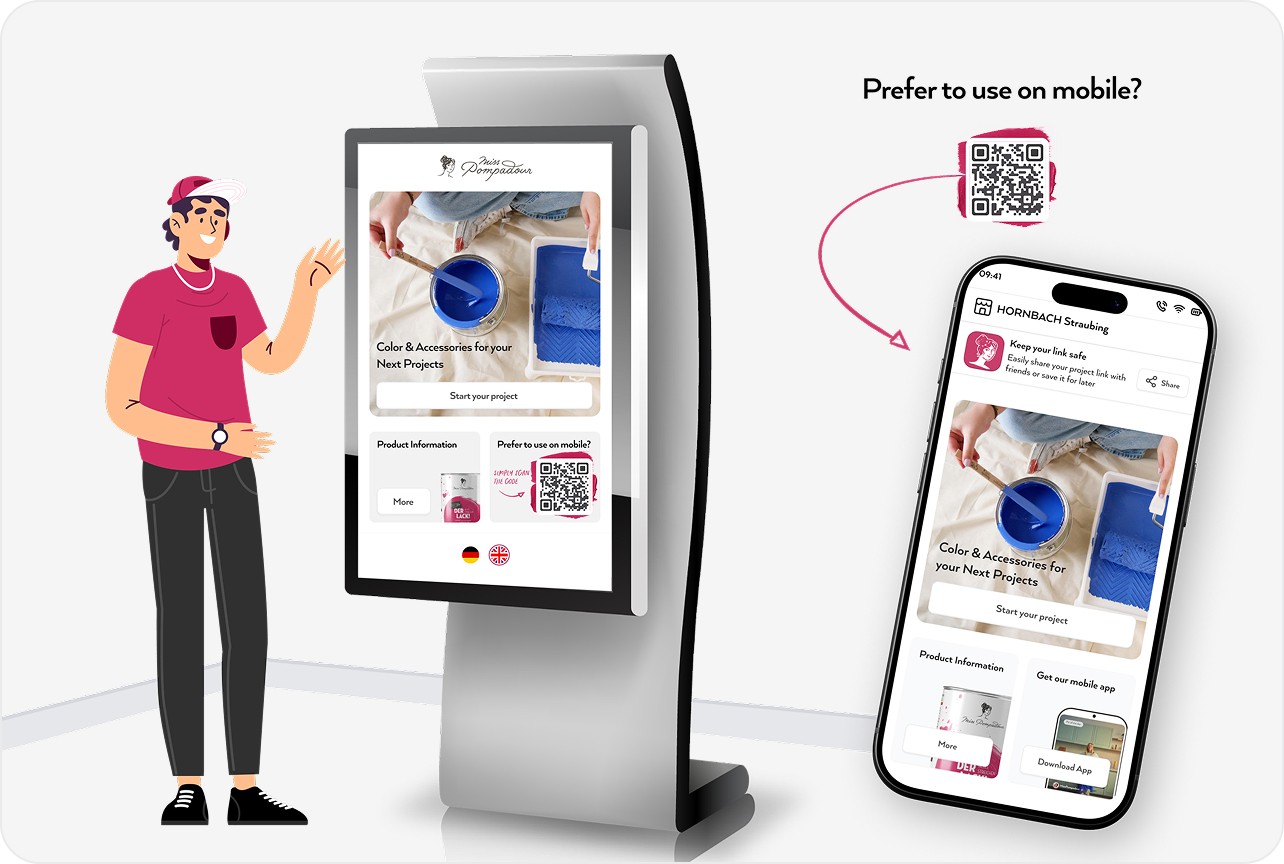
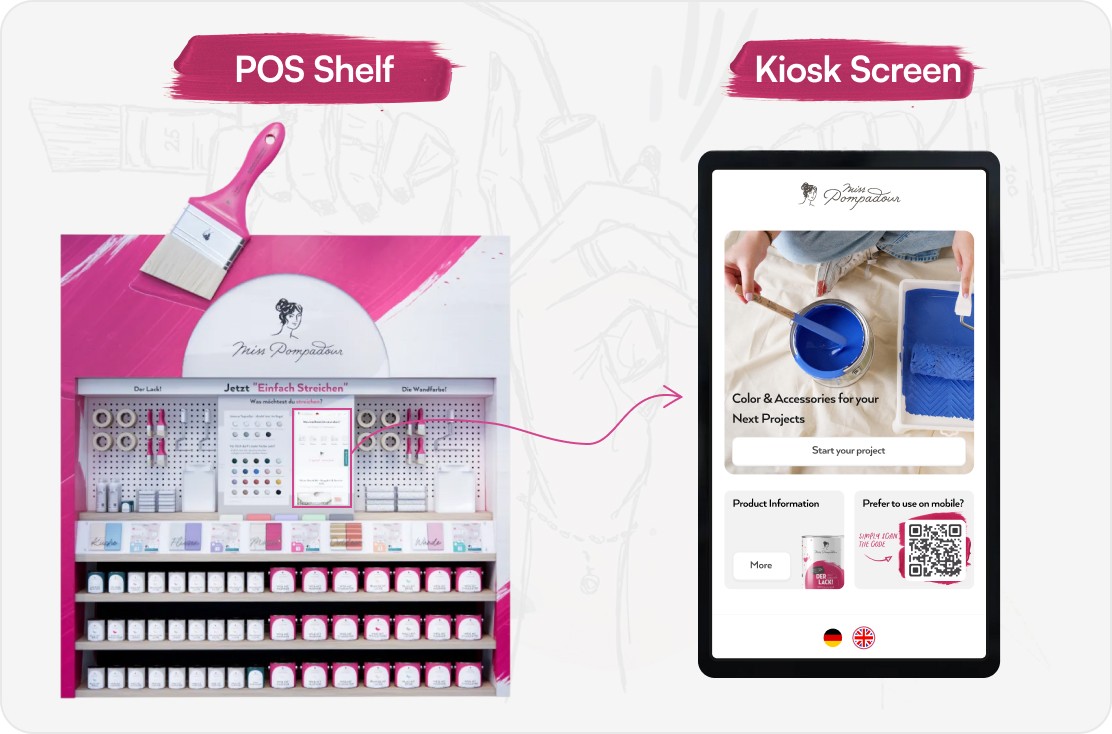
The in-store guided paint selection system will enable MissPompadour to introduce its products inside HORNBACH stores for the first time. This move extends the brand beyond e-commerce and into physical retail. The system acts as a digital paint expert inside HORNBACH shop, supporting customers with colour, material, and quantity decisions that staff may not always be able to explain in detail.
Since the rollout is scheduled for next month, performance metrics are not yet available. Instead, the project focused on achieving strong pre launch design goals that support future business impact.
Design Goals Achieved
A step by step guided journey that reduces decision overwhelm
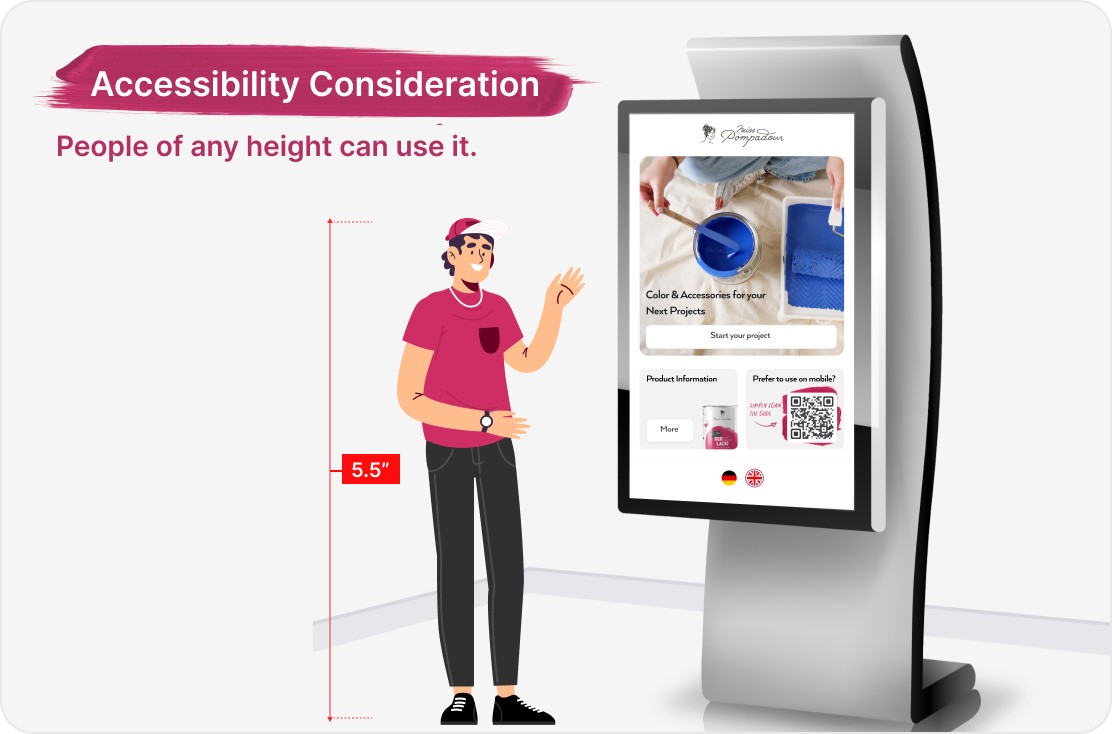
A large screen kiosk interface optimised for varied heights and high brightness environments
A digital summary system designed for in store navigation
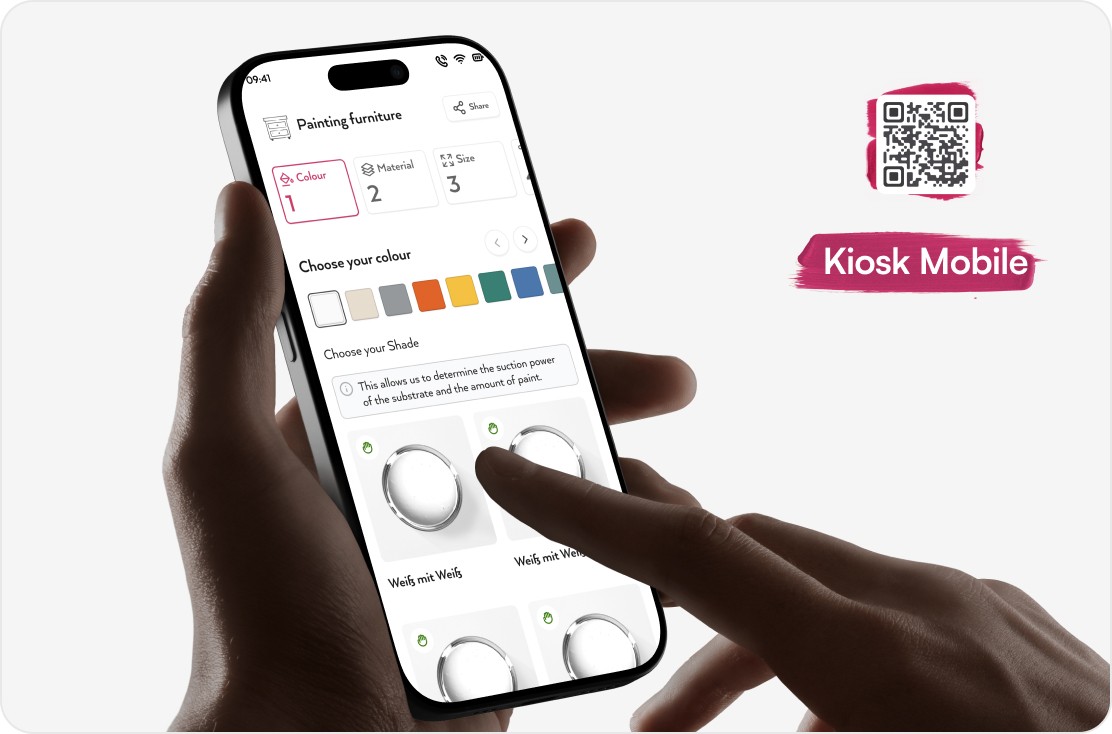
A QR based continuation flow from kiosk to mobile
An in-app nudge designed to encourage app downloads for deeper engagement
These design outcomes lay a strong foundation for successful in store performance once rollout begins.
MissPompadour sought to partner with HORNBACH to launch its brand in-store for the first time. The requirement was to design a kiosk and mobile continuity system that could sit within HORNBACH’s large-format DIY environment, support customers with little brand knowledge, and account for the physical and operational constraints of a megastore.
The aim was to simplify DIY decision making and ensure that customers feel supported at every step.
Challenge
Business and Retail Challenges
This was Miss Pompadour’s first entrance into physical retail.
HORNBACH staff cannot be expected to know detailed product specifications for every brand.
Paint buying decisions are complex and require strong guidance.
The experience must support both kiosk interaction and mobile continuation.
Physical and Accessibility Challenges
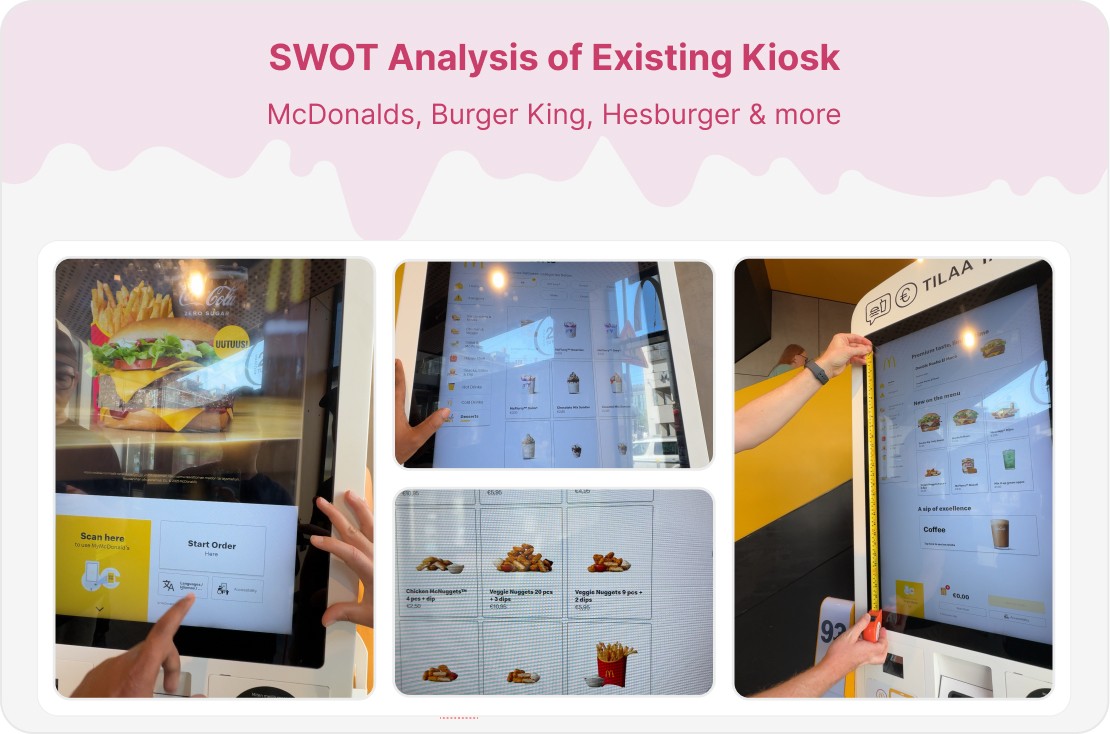
Kiosk interfaces require larger tap targets and different ergonomic considerations.
Users of different heights and mobility levels must be able to reach essential areas of the screen.
Typography must be readable from multiple distances.
Strong overhead lighting can affect colour visibility and screen contrast.
No standard guidelines exist for designing for large touch screens in bright retail environments.
The design had to remain clear and usable even if the customer is walking toward the screen.
Digital Continuity ChallengesUsers often prefer using their own phone instead of a shared kiosk.
The QR scanning experience had to be frictionless.
The mobile experience then needed a gentle nudge that encourages users to download the MissPompadour app for a more complete ecosystem experience.
Users struggled to navigate complex product catalogs and complete purchases efficiently. The goal was to streamline usability without sacrificing functionality or product discovery.
Process
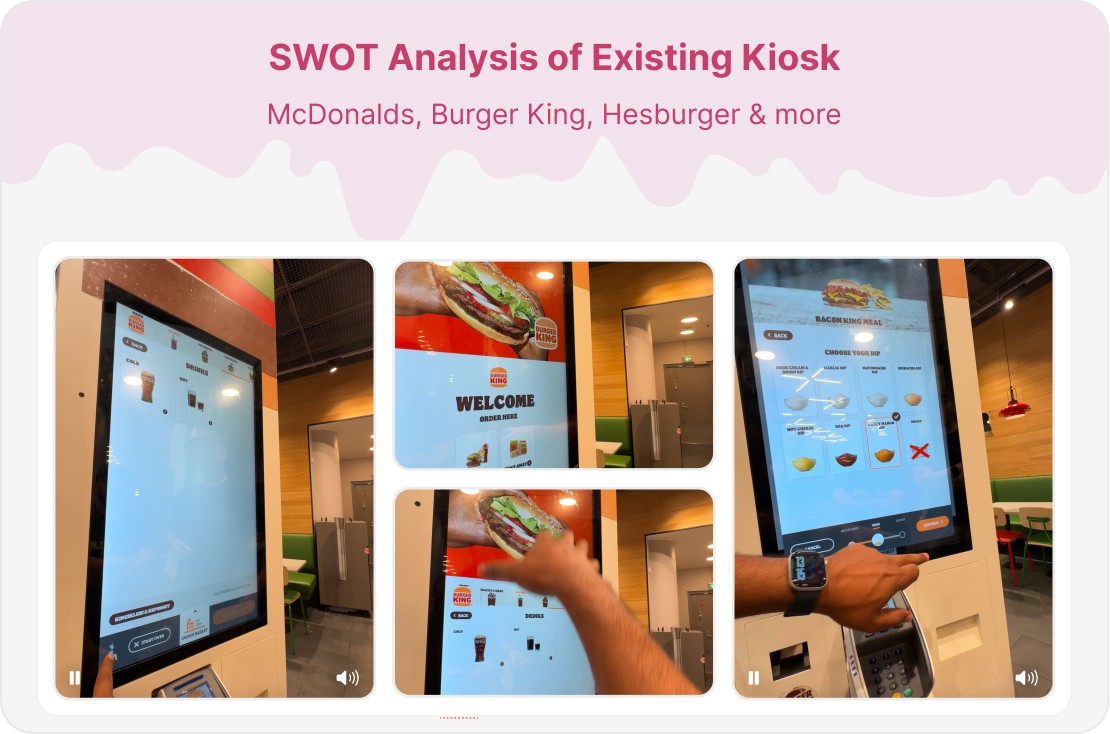
We followed a user-centered design approach with multiple iterations and testing phases to ensure the final solution met both business goals and user needs.
Solution
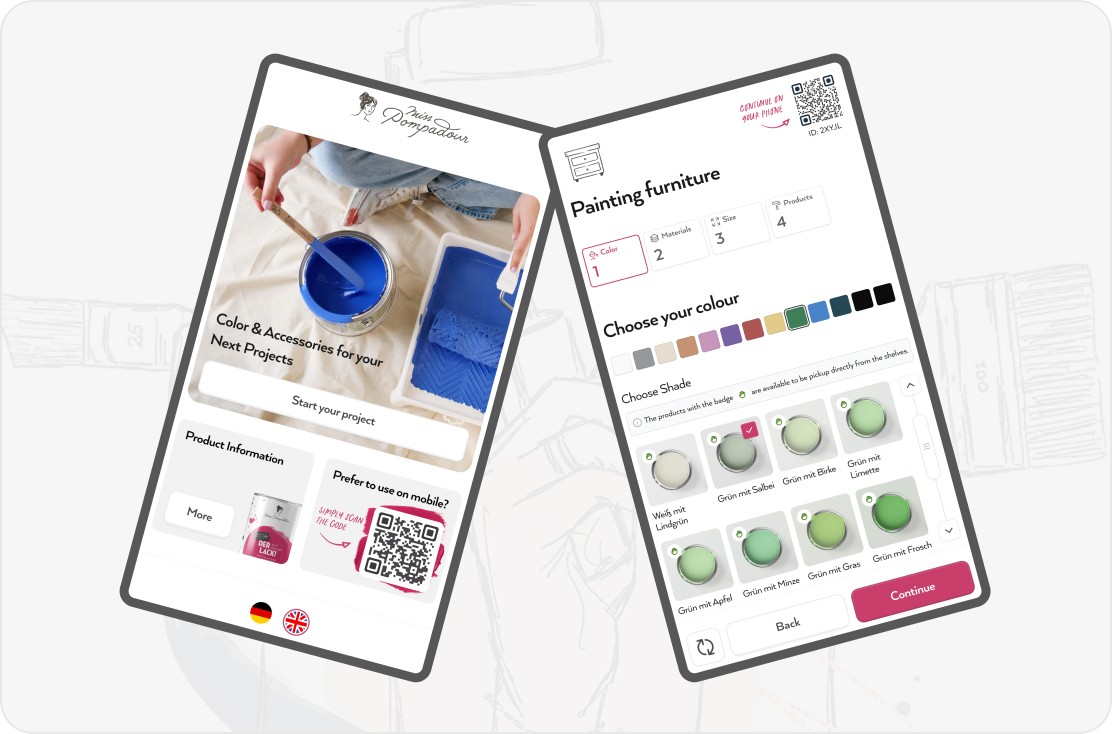
Guided Project Journey
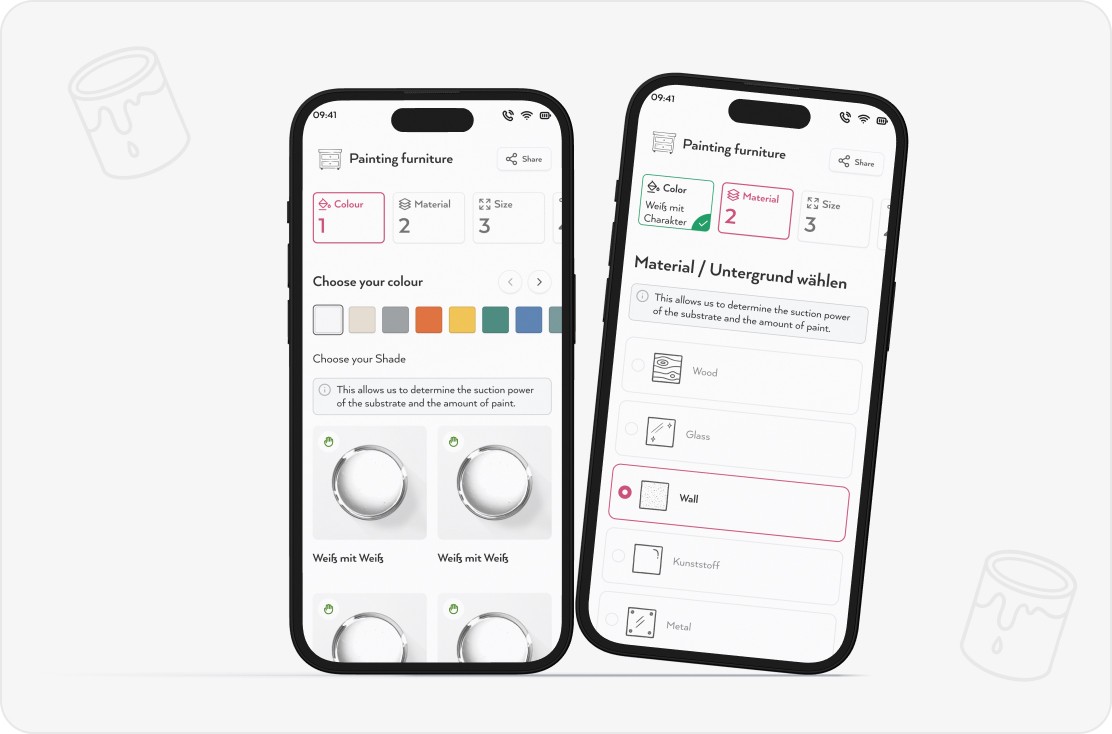
Choose the project such as wall, furniture, door, tiles
Browse colours available at that specific HORNBACH store
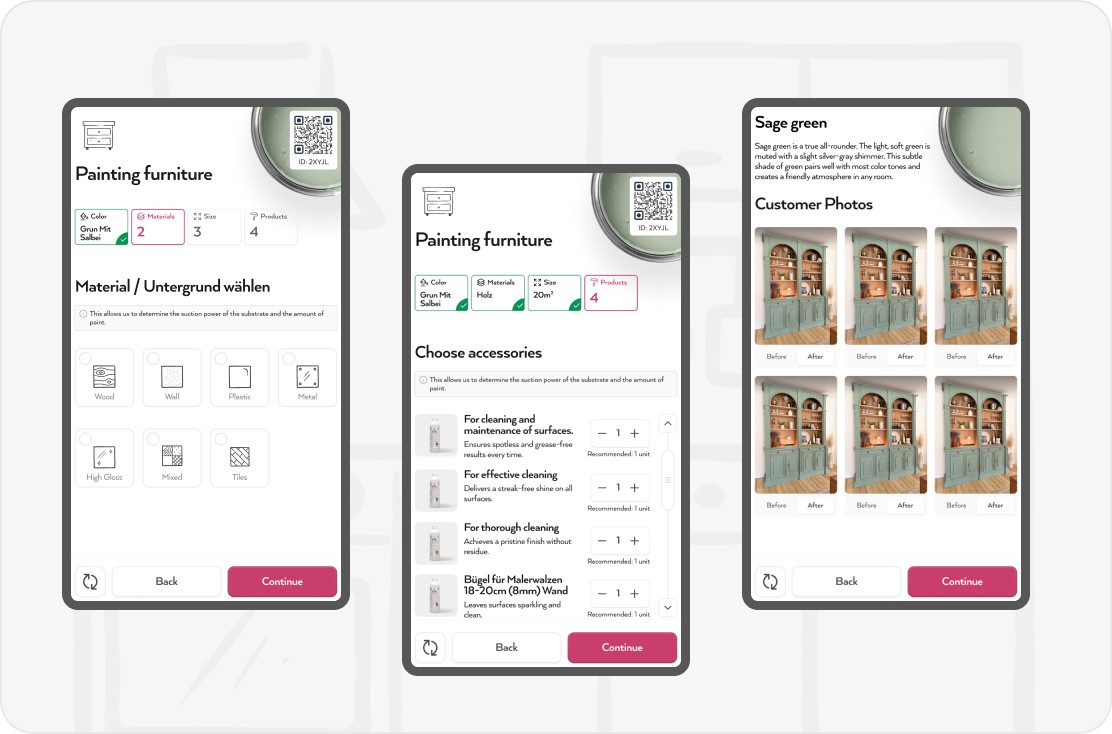
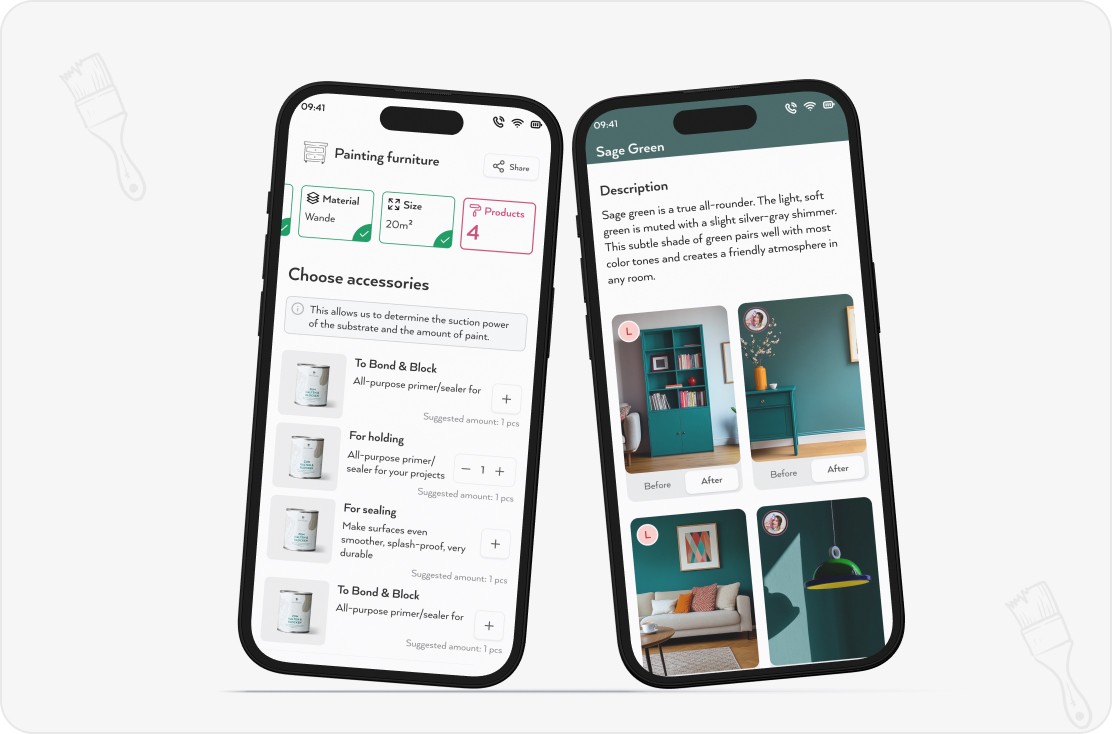
View real customer photos and before after projects
Indicate the material and view preparation instructions
Use the quantity calculator to estimate paint needed
Add recommended accessories
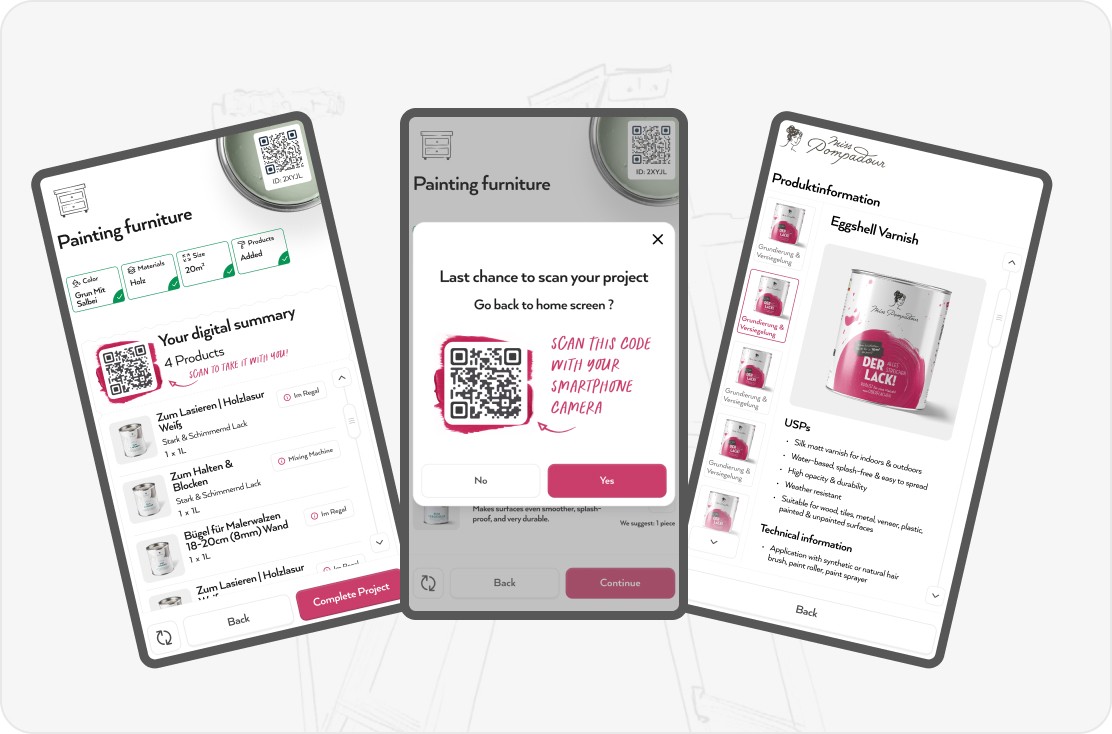
Receive a digital summary and continue in store with mobile or app
QR Code to Mobile Continuation
The kiosk prompts users to scan a QR code to continue the journey on their phone.
This avoids long interactions at the kiosk and supports customers who prefer using their own device.
Once on mobile, the interface adapts to smaller screens while keeping all progress intact.
In Store Navigation
The digital summary helps users:
Locate products in the aisle
Verify product labels
Take the chosen paint to the mixing machine
Prepare all needed items before checkout
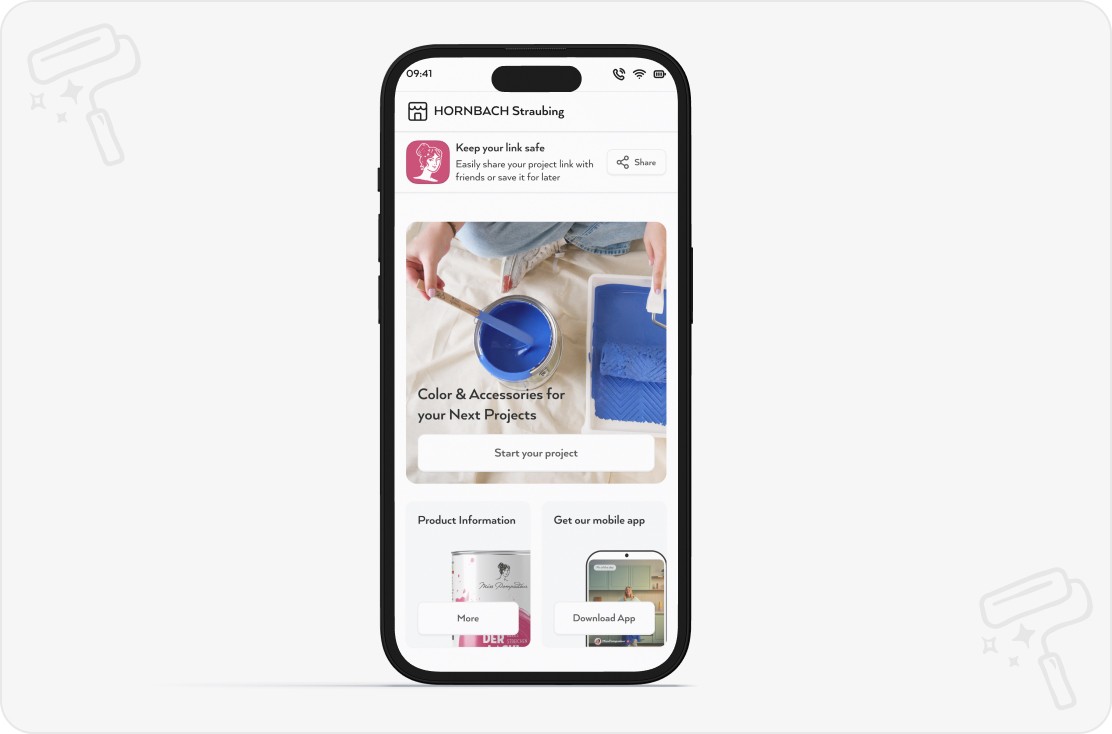
App Download Nudge
At the end of the mobile journey, users receive a subtle prompt to download the MissPompadour app.
This encourages long term engagement and supports features like saved projects, inspiration feeds, and colour bookmarking.
We designed a clean interface with modular components, reducing cognitive load and increasing completion rates.
The new design system established consistency across all pages while maintaining flexibility for future growth and feature additions.